Android 17 Turns Gemini Into a Platform Contract, Not Just an Assistant

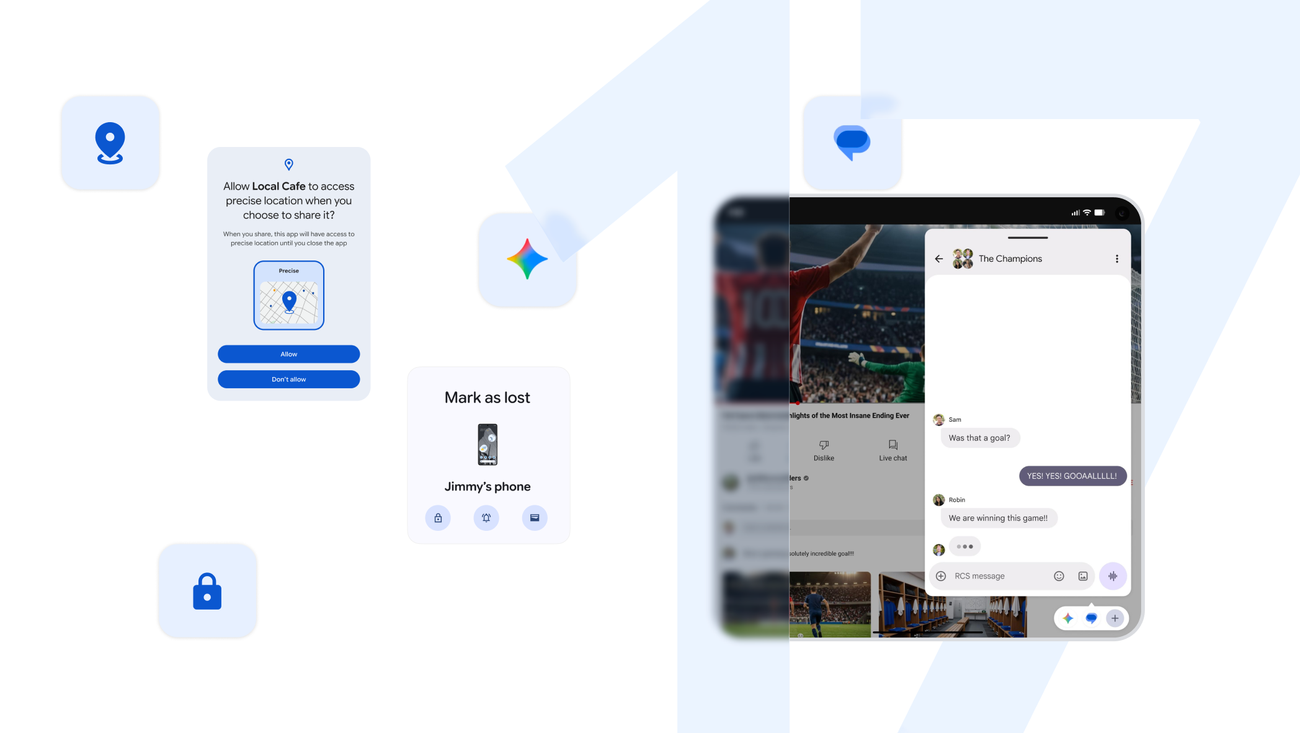
Android 17’s loudest features are the ones users will notice first: Bubbles, Screen Reactions, foldable improvements, tighter security, better memory behavior. Fine. The developer story is sharper: Google is turning Android apps into callable capability surfaces for Gemini and other agents.
That is a much bigger shift than “Gemini is on your phone.” Assistants sit above apps. Platform contracts reach into them. With Android 17, Google is telling developers to expose app workflows through AppFunctions and an on-device Android MCP-style interface. In plain English: your app may soon need to describe what it can safely do so an agent can call it on behalf of a user.
If that sounds like API design with extra steps, welcome to the job. The extra steps are the point.
AppFunctions are small APIs with a robot caller
Google says Android is shifting from an operating system toward an “intelligence system.” The concrete mechanism is AppFunctions, a platform API plus Jetpack library that lets apps expose local capabilities as orchestratable tools. Android MCP is described as the on-device equivalent of Model Context Protocol, and Gemini integration is currently in private preview with trusted testers. Developers can already prepare with ADB commands and a test agent app.
The important part is not that a function can be called. That has been true since roughly the invention of software. The important part is that the caller may be a model interpreting messy human intent. A user does not say “invoke createInvoiceDraft with customer_id and due_date.” They say “send Marta the updated invoice for last week’s work, but don’t include the travel line.” Somewhere between that sentence and your app’s state mutation sits a tool schema, a permission boundary, a confirmation UX, and a support ticket waiting to happen.
Google seems aware of the documentation problem. It launched an AppFunctions agent skill that analyzes app workflows, generates Kotlin code, optimizes KDocs for LLM tool-calling, and provides ADB test/debug commands. That “KDoc optimization” phrase is more important than it looks. Tool-calling quality depends heavily on names, descriptions, parameter schemas, examples, constraints, and side-effect clarity. Developers who treat this as boilerplate will ship confusing tools. Confusing tools become wrong actions.
This is the same lesson enterprise teams are learning with MCP servers. The hard part is not exposing the tools. The hard part is deciding which tools should exist, what authority they carry, how failure is represented, how users approve risky calls, and how you debug the moment an agent picks the wrong one with perfect confidence.
Do not expose your whole app because Google made it easy
The product temptation will be obvious: make everything agent-callable. That is how you get a permissions mess wearing an AI badge.
A note app can probably expose “create note,” “append to note,” and “search notes” with modest risk. A banking app, health app, enterprise admin console, or messaging app needs a more careful contract. Some actions should be read-only. Some should require confirmation. Some should never be agent-callable. Some should be callable only within a short user session, with scoped permission and a visible audit trail.
Android 17’s broader security and privacy changes point in that direction. Google is tightening temporary precise-location access, adding contact picker controls for specific fields, introducing an EyeDropper API that does not require screen-capture permission, improving theft protection through Find Hub, and expanding Live Threat Detection and Advanced Protection. The through-line is scoped trust. That matters because agentic Android only works if the underlying platform has better boundaries than “the assistant can see and do everything because convenience.”
For teams, the practical AppFunctions checklist starts now: identify workflows with clear user intent, bounded side effects, and safe rollback. Write tool descriptions like public API docs, not internal comments. Prefer narrow functions over catch-all actions. Test ambiguous prompts. Log calls. Design confirmations for money movement, external communication, account changes, destructive edits, and anything irreversible. If your function name reads like “performUserAction,” reject the PR on sight.
The boring Android 17 changes will break real apps
The agent story should not distract from the rest of the engineering work. Android 17 / API level 37 removes developer opt-outs for orientation and resizability restrictions on large-screen devices with sw > 600 dp, except for games based on Google Play category. Google cites 580 million+ large-screen devices. Translation: tablets, foldables, desktop modes, and larger screens are no longer edge cases you can politely ignore.
That pairs with the Compose-first shift. Google says new Android APIs, libraries, tools, and guidance will be built exclusively for Jetpack Compose, while legacy Views and View-based Jetpack libraries move into maintenance mode with critical fixes only. If you maintain a mature Android app with a large View codebase, this is not “drop everything and rewrite.” It is “stop pretending migration pressure is theoretical.” UI debt is now platform strategy debt.
Performance and runtime hardening are just as likely to surface bugs. Android 17 enforces strict app memory limits based on device RAM; offending processes can be terminated and report MemoryLimiter:AnonSwap through ApplicationExitInfo.getDescription(). ART improvements, including generational garbage collection, are coming to Android 17 and reaching 1B+ devices running Android 12 / API 31+ through Google Play System updates. Apps targeting SDK 37+ also lose some old runtime wiggle room: modifying static final fields is off the table, deep reflection can throw IllegalAccessException, and JNI attempts can crash.
This is the usual Android bargain. The platform gets more robust by punishing code that relied on private internals, fixed layouts, configuration-change assumptions, or memory habits that worked until they did not. The apps that treat platform releases as a compatibility sprint will be fine. The apps that wait for crash reports to become the QA plan will learn in production. Bold strategy.
Community reaction was telling. The official Android 17 item barely moved on Hacker News during the sweep, while a related GrapheneOS port discussion drew much more attention. Developers care less about launch copy and more about source availability, compatibility, downstream ports, and whether security-focused distributions can move quickly. That is the right instinct.
The mature read on Android 17 is that Gemini is no longer just an assistant layer. It is becoming a platform consumer of app-defined capabilities. That makes every AppFunction a product promise: this action is safe, understandable, supportable, permissioned, and worth automating. Treat it like a public API with a confused but enthusiastic robot as the first customer.
Sources: Google Android, Android Developers Blog, Google Security Blog