Codex 26.609 Turns Browser Debugging and Computer Use Into Switching Features

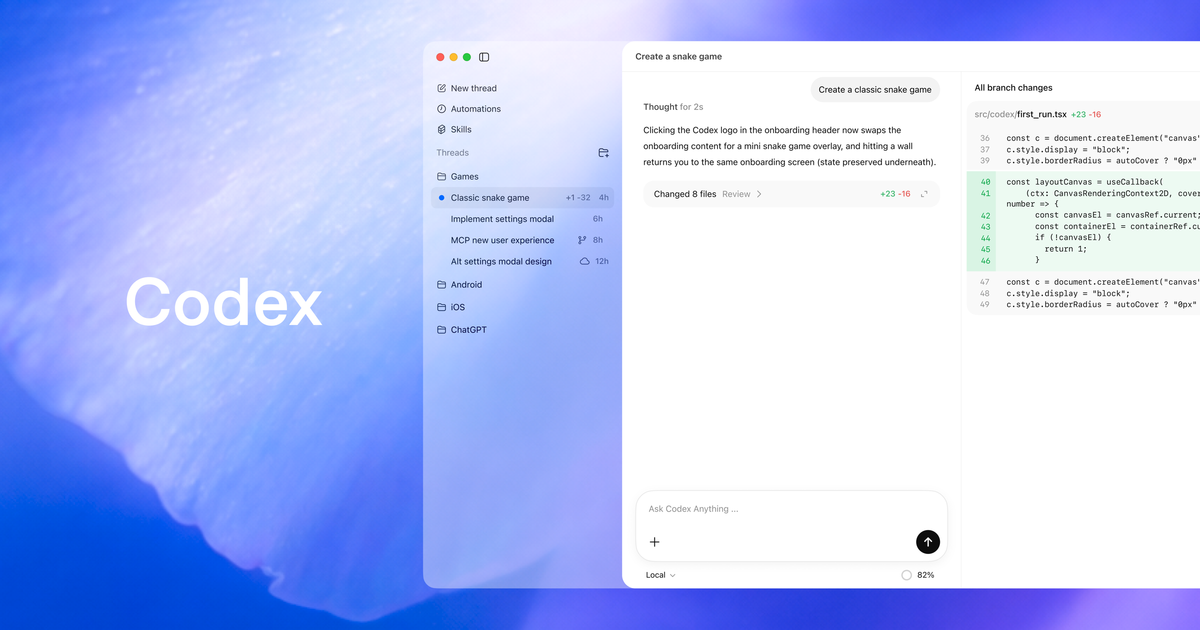
OpenAI's latest Codex app release looks like a normal changelog until you read it as a migration strategy.
Codex app 26.609, listed under June 11, adds Developer Mode for browser use, faster Browser use, Computer Use for Enterprise customers outside the EEA, UK, and Switzerland, Windows per-app access controls, /init inside the app composer, workspace plugin improvements, and new usage-limit economics. Any one of those would be a modest product update. Together, and arriving two days after OpenAI shipped a Migrate to Codex flow for Claude Code and Claude Cowork users, they describe something more direct: Codex is trying to become the agent workstation that absorbs the workflow around the model, not just the model call.
That matters because the competitive question in agentic coding is no longer “which chatbot writes the best function?” Serious usage has moved up the stack. The useful agent needs to inspect the running app, understand the repo, preserve project conventions, operate tools, route through plugins and MCP servers, recover from limits, and leave enough evidence that a human can review what happened. Codex 26.609 is interesting because most of its changes land in that control surface.
DevTools access is the verification layer, not a toy browser
The biggest practical change is Developer Mode for browser use. OpenAI says Codex can use Chrome DevTools Protocol access in Chrome and the in-app browser, with visibility into JavaScript profiling, console output, network traffic, runtime errors, DOM state, applied styles, and page state. Browser use is also advertised as up to 2x faster, thanks to CDP and DOM snapshot optimizations that reduce round trips.
That speed claim is not just a UX nicety. Browser agents are latency multipliers. A slow reproduce-fix-verify loop turns a five-minute bug into a coffee break. More importantly, CDP changes the kind of work an agent can do. Without runtime evidence, the agent is often inferring from source files and screenshots. With console logs, failed requests, DOM snapshots, and profiling data, it can debug against the same facts a senior engineer would ask for during review.
This is where Codex starts looking less like autocomplete and more like a junior engineer with a debugger open. That is powerful. It is also a trust boundary. Browser content is untrusted input, and DevTools access can expose application state that never appears in source code. Teams should treat Developer Mode as debugging infrastructure: use it deliberately, review the evidence it collects, and avoid giving it broad access to sensitive logged-in sessions by default.
Computer Use moves Codex from repo helper to desktop operator
Computer Use is the sharper edge. OpenAI says the feature is available for Enterprise users outside the EEA, UK, and Switzerland, works on macOS and Windows, and can see screen content, screenshots, windows, menus, keyboard input, and clipboard state in allowed apps. macOS requires Screen Recording and Accessibility permissions. Windows operates in the active foreground.
OpenAI also added Windows per-app access controls through $CODEX_HOME/computer-use/config.toml, with [apps] allowed = [...] and denied = [...]; denied apps take precedence. That is the right kind of boring feature. Any agent that can click through a desktop GUI needs policy that looks less like “trust the model” and more like “this process may touch these surfaces, and not those.”
The practitioner move is obvious: start with an allowlist, not vibes. Permit low-risk developer tools first. Keep password managers, billing consoles, production admin panels, HR systems, and account-security screens out of scope unless there is a specific reviewed workflow. Treat a Codex click as a human click because the target application will. If the agent changes state in a browser or desktop app, your audit model should assume the logged-in user did it.
The migration story is bigger than the June 11 changelog
The June 9 Migrate to Codex release is the context that makes 26.609 more than a feature bundle. OpenAI says Codex can import supported setup from Claude Code and Claude Cowork, including instruction files, settings, skills, MCP server configuration, hooks, slash commands, subagents, and recent sessions from the last 30 days. When mappings are imperfect, a migrate-to-codex skill handles follow-up migration work.
That is unusually explicit conquesting. Claude Code remains sticky because users have built rituals around it: project instructions, slash commands, MCP servers, custom workflows, and session memory. OpenAI is not merely saying Codex has features too. It is trying to lower the switching cost by importing the surrounding harness.
The new /init support in the app composer fits that same strategy. Agent quality is often determined less by the benchmark model and more by the first 2,000 words of project instructions. Bringing CLI-style initialization into the app means app-native users can generate or normalize the instructions that terminal-native users already maintain. Combined with migration, that gives Codex a credible path from “try it once” to “make this repo agent-ready.”
Do not import blindly. A migrated Claude setup may include hooks, MCP servers, commands, and skills that made sense in one tool's permission model but are too broad in another. Before a team standardizes on Codex, review imported instructions and integrations the same way you would review a CI workflow. The attack surface is not just the model; it is every tool the model is allowed to call.
The pricing mechanics are governance mechanics
The release also introduces rate-limit reset banking for Plus and Pro users, referral invitations that can earn more resets during the current promotion, and shared workspace credits for Business coworker referrals. OpenAI's pricing page says the referral promotion runs June 11 through June 24, 2026. Eligible Plus and Pro users can invite up to three friends, and when a recipient sends their first Codex message, both people receive a banked rate-limit reset usable for 30 days.
Growth mechanic? Obviously. But the operational details matter more. OpenAI says GPT-5.5 usage averages roughly 5–45 credits per message, with Codex usage calculated from token-based rates for input, cached input, and output tokens. The same docs advise users to reduce AGENTS.md size, limit MCP servers, and switch to smaller models when appropriate.
That is first-party confirmation of what experienced agent users have learned the expensive way: context is budget, tools are budget, and every always-on integration has a carrying cost. A bloated instruction file, a huge MCP catalog, or a default-to-largest-model workflow does not just slow the agent down. It changes the economics of every task.
Teams should benchmark Codex by workflow class, not subscription tier. Small local edits, browser debugging, GitHub review, long cloud tasks, and Computer Use sessions will have different cost profiles and different risk profiles. Put those in separate buckets. Track how often each class hits limits. Keep a smaller-model path for routine work. If you cannot explain which tasks justify high-credit runs, you do not yet have an agent operating model; you have a very confident burn rate.
Codex is becoming a workstation. Workstations need controls.
The competitive frame is now clear. Cursor owns the IDE-native habit. Claude Code owns a large share of terminal-first power-user muscle memory. OpenCode is the open-source inspection and control wedge. Codex is trying to become the migration destination that says: bring your Claude setup, keep your project state, debug the running app, operate desktop software, manage plugins, and understand usage limits in one OpenAI-controlled surface.
That is a serious strategy. It is also exactly why teams should become more conservative, not less. Developer Mode, Computer Use, plugins, MCP servers, hooks, imported skills, and project instructions all expand what the agent can observe and mutate. The better the workstation gets, the more it resembles privileged infrastructure.
The right response is not to avoid it. The right response is to evaluate it like infrastructure. Create app allowlists. Review migrated setup. Trim instruction files. Disable unused MCP servers. Separate low-risk edit flows from high-risk browser and desktop operation. Require evidence for UI fixes: console logs, failed network requests, screenshots, test output, or traces. If Codex can collect those facts, make it show its work.
Codex 26.609 is not just OpenAI adding knobs to a coding app. It is OpenAI connecting the model to the messy verification loop where software actually ships. That is the useful part. The teams that get value from it will not be the ones that let an agent click around because it feels futuristic. They will be the ones that treat browser and computer access as controlled execution surfaces — and make the agent earn its approvals like everyone else.
Sources: OpenAI Developers Codex changelog, Codex Developer Mode docs, Codex Computer Use docs, Codex pricing and usage-limit docs, Migrate to Codex docs, openai/codex repository.