OpenWork v0.16.0 Turns OpenCode Into a Team Agent Control Plane

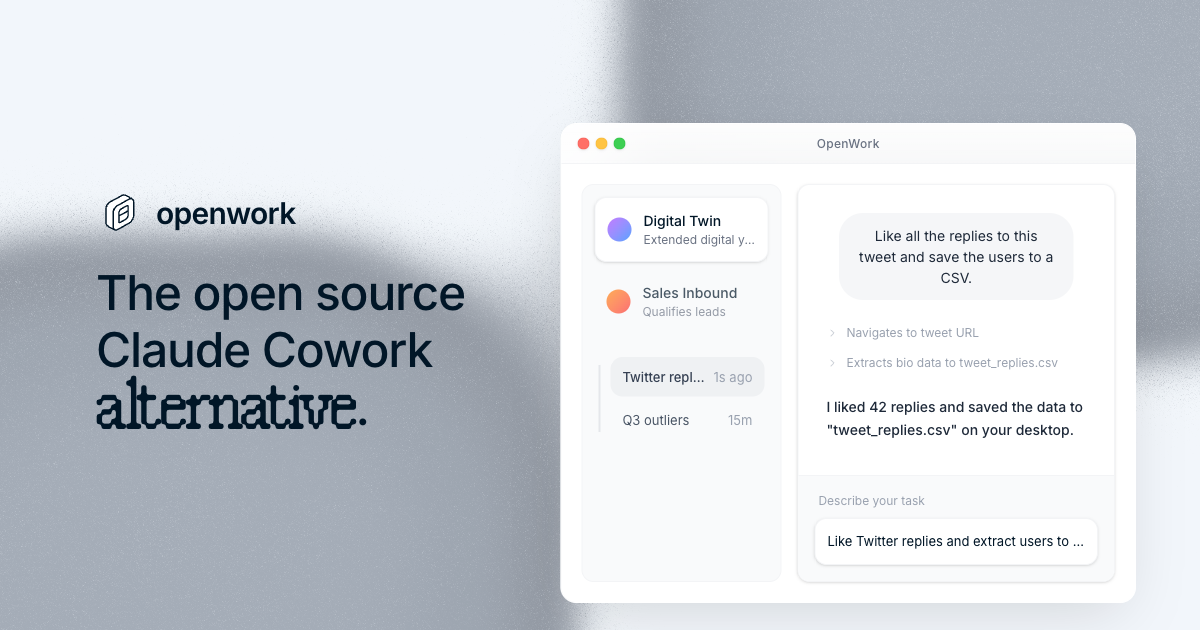
OpenWork v0.16.0 is nominally a desktop release. The release notes mostly say to download the installer. That would usually be a reason to skip it. In this case, the thin release note is hiding the real story: the open-source agent market is building the layer above the CLI, where coding agents become repeatable team workflows instead of impressive terminal sessions.
OpenWork describes itself as the open-source alternative to Claude Cowork and Codex-style desktop experiences, powered by OpenCode. The project is local-first, cloud-ready, and composable across desktop, Slack, Telegram, and server/orchestrator modes. At research time it had roughly 15,960 stars, 1,583 forks, and 174 open issues. The June 11 v0.16.0 release shipped 18 assets for Linux, macOS, Windows, and updater flows.
The installer is not the interesting part. The product surface is. OpenWork wraps OpenCode with sessions, live SSE events, execution-plan timelines rendered from OpenCode todos, permission prompts with allow-once/always/deny, templates for repeated workflows, a skills manager, plugin management through opencode.json, debug exports, and host/client modes. It can also run headless through openwork-orchestrator, with a server process started against a workspace and approval mode.
The coworker is really a control plane
The word “coworker” is useful marketing and slightly dangerous architecture. A coding agent that acts like a coworker does not just need a model and a prompt. It needs identity, permissions, memory, task state, logs, human approvals, communication channels, and a way to stop doing the wrong thing before it does damage. That makes the desktop app less of a wrapper and more of a control plane.
OpenWork is interesting because it appears to understand that. Host mode runs OpenCode locally. Client mode can connect to an OpenCode server URL. Sharing is explicitly opt-in. The README says host mode binds to 127.0.0.1 by default and that model reasoning plus sensitive tool metadata are hidden by default. Those choices do not make the system safe by magic, but they show the right default posture: local first, remote only when chosen, sensitive internals not sprayed into the UI.
For teams, the evaluation question is not “does it look nicer than a terminal?” The question is whether it gives you a more governable agent loop. Can you see what the agent plans to do? Can you approve risky steps once without granting permanent power? Can you export debug state when something goes wrong? Can repeated workflows become templates instead of tribal knowledge? Can remote workers be introduced without accidentally expanding the trust boundary for every repo?
Browser proxies are not a niche feature
The post-release commits are where the story sharpens. Within hours of v0.16.0, OpenWork landed browser proxy support in PR #2167. The new tools, openwork_browser_set_proxy and openwork_browser_clear_proxy, let agents route built-in browser traffic through HTTP or SOCKS proxies. Credentials can resolve from environment variables such as OPENWORK_BROWSER_PROXY_<NAME>, so secrets do not have to pass through the model. Proxy scope is limited to the shared persist:openwork-browser session, and keep-alive connections close on proxy change so old tabs do not quietly bypass the new route.
That is operator-grade thinking. A coding agent with a browser is not useful only for public docs. Real workflows involve staging environments behind proxies, regional search checks, authenticated test surfaces, enterprise gateways, and networks where direct traffic is not allowed. A naive browser tool treats “open URL” as the feature. A production-minded browser tool treats network context as part of the task.
The credential design is the important bit. If the model sees the proxy password, you have already lost the clean boundary. Environment-resolved proxy definitions let the agent request a named route without reading the secret. That is the pattern teams should demand across agent tools: models can ask for capabilities; runtimes should hold credentials.
Computer use needs ground truth, not vibes
The other post-release patch, PR #2170, added computer-use reliability fixes and a CDP-verified end-to-end benchmark. The details are wonderfully unglamorous: enable Chromium/Electron renderer accessibility on first target resolve, document snapshot-image coordinates, add absolute screen_x and screen_y, fix modifier combos like command-a in background mode, verify accessibility value writes and fall back to focus/select-all/retype for web inputs, and disambiguate snapshots by process ID or window title.
This is where computer-use agents usually fall apart. The agent thinks it clicked the button, but it clicked the wrong coordinate. It thinks it typed into the input, but the page ignored the accessibility write. It sends a modifier shortcut, but Chromium drops it in background mode. It reads an accessibility snapshot that contains zero useful web content. The demo still looks fine because a human narrates around the gap. The workflow fails when nobody is watching.
A CDP-verified benchmark matters because it gives the test a second source of truth. The agent path says what it attempted. Chrome DevTools Protocol can independently verify what actually happened in the browser. That is the difference between “our agent can use a browser” and “we can detect when our agent did not use the browser correctly.” The latter is what engineers can build on.
OpenWork’s position in the market is now clear. OpenCode provides the open-source agent core. Claude Code, Codex, Cursor, and similar products offer increasingly integrated first-party experiences. OpenWork is trying to make the open-source core feel like a team coworker: desktop UI, chat connectors, templates, permissions, debug exports, browser automation, and headless orchestration. That is a credible wedge if the project keeps treating runtime reliability as the product.
The risks are equally clear. A desktop wrapper around a fast-moving agent runtime inherits upstream churn. Skills and plugins are powerful but create a supply-chain surface. Remote workers are useful but enlarge the blast radius. Browser and computer-use tools can view sensitive pages and click destructive controls. Local-first defaults help, but they are not policy. Teams still need rules about which repositories, accounts, credentials, and environments agents may touch.
The practical move is to evaluate OpenWork like infrastructure. Test host mode bound to localhost. Inspect opencode.json. Run a template workflow twice and see what persists. Trigger permission prompts and verify allow-once does not become allow-forever by accident. Try the browser proxy feature with throwaway credentials. If your team wants UI automation, run the computer-use benchmark before relying on the agent to click through production-adjacent tools.
The editorial take: OpenWork v0.16.0 is not important because it shipped installers. It is important because the surrounding commits show where coding agents are going. The model is no longer the whole product. The durable product is permissions, browsers, workflows, templates, debug logs, local/remote control, and enough ground truth to know when the agent is lying by accident.
Sources: OpenWork v0.16.0 release, OpenWork repository, browser proxy support PR, computer-use reliability PR, OpenCode repository