Codex for Chrome Turns Browser State Into an Agent Tool — Useful, Risky, and Finally Honest About It

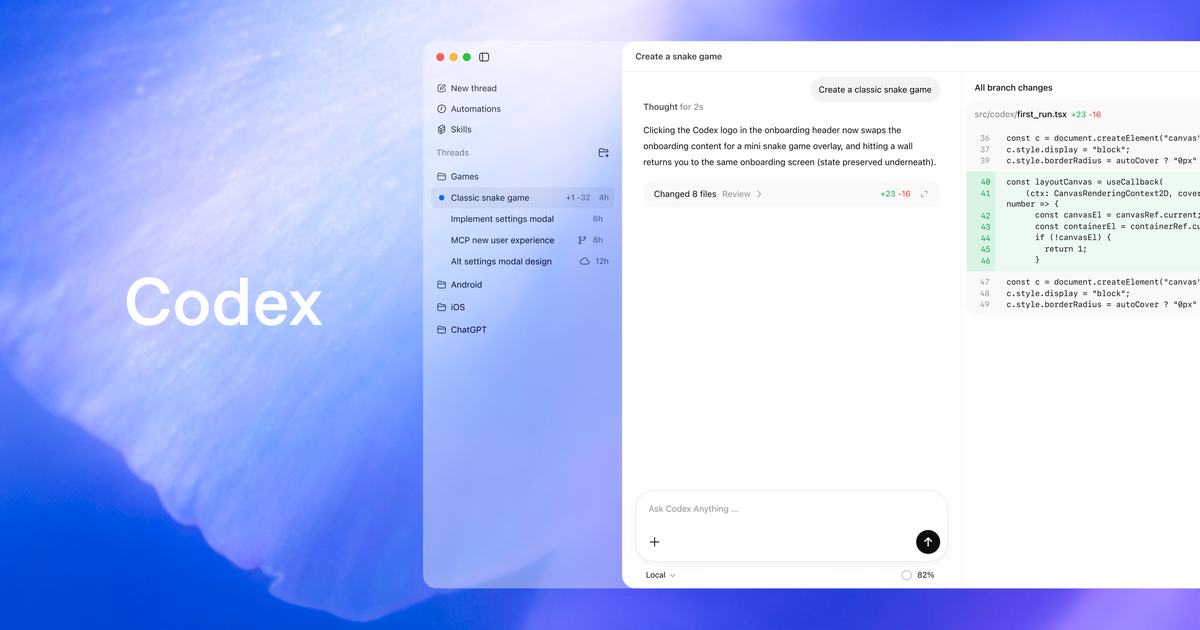
Codex getting a Chrome extension is not a cute convenience feature. It is OpenAI admitting the quiet part of agentic software work: the code editor is not where most work ends.
Modern engineering tasks leak into browsers constantly. A bug fix needs a local preview, an internal admin screen, a feature flag console, a Salesforce record, a Gmail thread, a QA checklist, a deployment dashboard, or a product spec in a locked-down workspace. APIs are cleaner, MCP servers are preferable, and dedicated integrations are easier to govern. But real companies still run on logged-in web apps, and any coding agent that cannot safely operate there is stuck with half the job.
OpenAI’s May 7 Codex update adds Codex for Chrome, a browser extension that lets Codex use the user’s signed-in Chrome state for tasks involving sites such as Salesforce, Gmail, LinkedIn, and internal tools. The changelog says the extension works “in parallel across tabs in the background without taking over your browser,” and the documentation is explicit about the intended routing: use plugins when a dedicated integration exists, Chrome when logged-in browser context is required, and the in-app browser for localhost, file-backed previews, and public pages that do not require sign-in.
That routing is the right design instinct. Browser control should not be the default hammer for every task. It is the escape hatch for work surfaces that were never built for agents, never exposed through a clean API, or never wired into an MCP server. In other words: most enterprise software.
The browser is now part of the agent’s toolchain
The practical upside is obvious. A Codex thread can now move closer to the full loop: change code, verify behavior, inspect a signed-in page, read the operational context, and report back with evidence. That matters because “the patch compiles” is not the same as “the task is done.” A checkout bug may require confirming a Stripe dashboard value. A customer-facing workflow may depend on a CRM field. A permissions fix may need validation in an internal admin console. The browser is where many engineering tasks become real.
This is also why the feature should be evaluated as production tooling, not demo candy. OpenAI’s docs tell users to treat page content as untrusted context and review the website before allowing Codex to continue. Codex asks before it interacts with each new host by default, offering allow-for-current-chat, always-allow-host, or decline. Admins and users can maintain domain allowlists and blocklists. “Always allow browser content” is labeled elevated risk. Browser-history access is also elevated risk, scoped per request, and notably does not have an always-allow option.
That level of warning is not legal boilerplate. It is the core threat model. The web is a prompt-injection surface with cookies. A page can contain hostile instructions, misleading text, hidden content, sensitive customer data, or workflow state the agent should read but not copy elsewhere. When an agent has access to signed-in browser state, the failure mode changes from “bad code suggestion” to “bad action inside a real business system.” Same model family, very different blast radius.
The Chrome permission list makes that concrete. Installation may involve debugger access, the ability to read and change data on websites, browsing-history access, bookmarks, downloads, native-app communication, notifications, and tab-group management. Chrome extensions need broad mechanical power to automate browser workflows. The real question is whether the agent layer above those permissions has enough constraints: per-host prompts, blocklists, logs, scoped history access, user presence for sensitive work, and a policy story that security teams can actually administer.
Plugins are the safer path when they exist
The Chrome extension landed alongside a broader Codex direction that matters just as much: reusable plugins. OpenAI’s plugin docs describe bundles containing skills, app integrations, and MCP servers. A plugin can package the instructions Codex should follow, the app connection it should use, and the MCP tools it needs to query external systems. That is a healthier long-term interface than browser scraping because it moves workflows from “click around a website” to “call a scoped capability with declared permissions.”
For teams, the decision tree should be boring and strict. If a dedicated plugin or MCP server exists, use it. If the work is local preview or public-page verification, use the in-app browser. Use Chrome only when logged-in browser state is the hard requirement. That discipline matters because browser automation is seductive: it works against almost anything, which is exactly why it can quietly become an ungoverned integration layer.
The more strategic point is portability. Codex plugins and skills turn agent behavior into installable workflow surface area. That overlaps with the same industry shift showing up in Claude Code skills, AGENTS.md-style project instructions, Cursor rules, and MCP servers: teams are trying to encode operational knowledge once, then reuse it across sessions and tools. The winning coding agent may not be the one with the flashiest chat UI. It may be the one that lets an engineering org package its review process, deployment rules, security constraints, and internal integrations without turning every repository into folklore.
OpenAI’s May 8 CLI 0.130.0 changelog reinforces that direction: plugin details now show bundled hooks, plugin sharing exposes link metadata and discoverability controls, app-server clients can page large threads, and remote-control gets a simpler entrypoint for headless controllable sessions. None of that is headline-friendly. All of it points to Codex becoming infrastructure for long-running, multi-surface software work rather than a nicer prompt box.
Long-running goals raise the stakes
The other sharp edge in this update cycle is experimental goals. OpenAI’s docs position /goal for migrations, large refactors, deployment retry loops, experiments, prototypes, and prompt optimization — work that continues toward a stopping condition over time. The GitHub activity around PR #20083 describes it plainly: “Set a persistent goal Codex can continue over time.”
That changes the delegation unit. Instead of asking for a patch, a developer can assign an objective: migrate this package, keep fixing the deployment until validation passes, or make this prototype match a reference. That is powerful only when the objective is narrow, testable, and interruptible. Combine vague goals with signed-in browser access and you do not get productivity. You get an incident report written in future tense.
Practitioners should respond with policy, not vibes. Define which domains an agent may touch. Prefer read-only access until the workflow earns write access. Keep browser history off unless the task genuinely requires it. Never allow broad browser content by default in enterprise environments. Require artifacts for long-running goals: test output, screenshots, diffs, logs, or explicit checkpoints. Treat agent browser access like CI/CD permissions, not like autocomplete preferences.
The encouraging part is that OpenAI is at least saying the risk out loud. The docs warn that page content is untrusted, that browser history can include sensitive telemetry and internal URLs, and that secrets or highly sensitive data should not be sent through browser tasks unless required and actively reviewed. That is the right posture. The agentic-coding market has spent too much time pretending more autonomy is an unqualified good. It is not. Autonomy is useful when paired with boundaries.
Codex for Chrome is therefore both a milestone and a test. It makes Codex more useful because it lets the agent cross from code into the messy browser-based systems where real work happens. It also makes Codex more dangerous if teams treat browser state as just another context window. The LGTM take: browser-capable coding agents are inevitable, and probably necessary. Shipping them responsibly means approvals, scoped domains, auditable actions, and boring defaults that make the safe path the easy path.
Sources: OpenAI Codex changelog, Codex Chrome extension docs, Codex plugins docs, Codex approvals and security docs