Codex Mobile Turns Agentic Coding Into Remote-Control Infrastructure

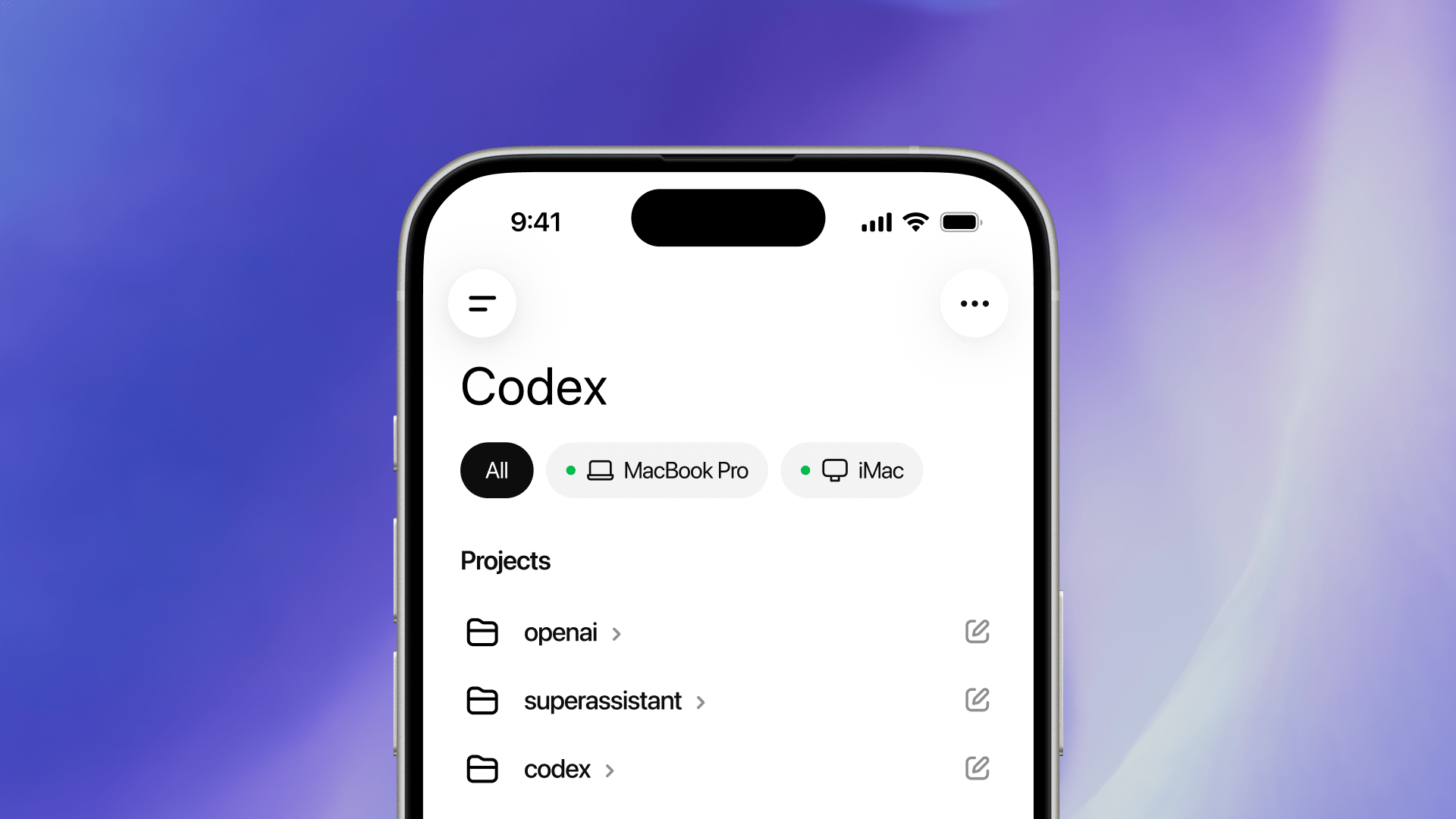
The least interesting version of OpenAI’s new Codex mobile launch is the one in the headline: “now you can code from your phone.” Nobody serious wants to review a gnarly refactor on a 6-inch screen while standing in line for coffee. The more important shift is quieter and more operational: Codex is turning agentic coding into a remote-control problem.
That matters because long-running coding agents do not fail only when they write bad code. They fail when they stall. They need permission to run a command, clarification on product intent, a decision between two implementation paths, or a human to say “stop, that diff is drifting.” OpenAI’s pitch is that those interventions no longer require the developer to sit in front of the host machine. Codex can keep working on a laptop, Mac mini, SSH devbox, or managed remote environment while the developer steers it from the ChatGPT mobile app.
OpenAI says more than 4 million people now use Codex every week. That number is doing a lot of work. At that scale, the problem is no longer whether a coding agent can generate a patch. The problem is how teams operate thousands or millions of semi-autonomous sessions without turning every engineer into a babysitter with a terminal window pinned open all day.
The phone is the control plane, not the workstation
The architecture is the sensible part. OpenAI is not claiming your repository, tools, credentials, and browser state move onto the phone. The mobile app connects to an existing Codex host and loads live state from that environment: active threads, approvals, plugins, project context, diffs, screenshots, terminal output, test results, and model settings. The phone sends prompts, approvals, and follow-up instructions. The host still provides the filesystem, shell, browser setup, MCP servers, Computer Use, plugins, local tools, and permissions.
That split is the difference between a toy mobile feature and something teams will actually use. The useful thing is not writing code on glass. It is being able to unblock a task when the agent reaches a decision point. If Codex finds two viable refactor paths during a commute, the developer can choose one. If it needs approval to run a test or inspect a browser page, the developer can approve or deny it. If the output is obviously wrong, the developer can redirect before the agent spends another twenty minutes confidently digging sideways.
OpenAI’s remote-connections docs say mobile control currently requires a Mac host running the Codex App, signed into the same account and workspace, with setup completed by QR code plus any MFA, SSO, or passkey requirements. Windows host support is “coming soon.” The docs also make the operational boundary explicit: if the host sleeps, loses network, or closes Codex, remote access stops. That is mundane, but it is exactly the kind of mundane that decides whether a workflow survives contact with real engineers.
Remote SSH makes this an enterprise workflow, not a laptop trick
The mobile launch landed alongside a more important enterprise detail: Remote SSH is now generally available. Codex can discover concrete aliases from a user’s OpenSSH config, start a remote Codex app server through SSH, and run threads against a remote filesystem and shell. That lets teams point Codex at the place where serious development increasingly happens: managed devboxes with approved dependencies, constrained credentials, standard compute, and policy-controlled network access.
This is the correct direction. A personal laptop is a terrible always-on agent host: it sleeps, roams networks, mixes personal and work browser state, and usually has more credentials than the task needs. A dedicated Mac mini or managed devbox is boring in all the right ways. It can have narrow repo access, explicit MCP configuration, a locked-down browser profile, known package versions, and logs that are easier to reason about. If Codex is going to run while you are away, run it somewhere designed to be away from you.
OpenAI says its secure relay layer keeps trusted machines reachable across authorized ChatGPT devices “without exposing them directly to the public internet.” Good. But the developer docs still warn users not to expose unauthenticated app-server listeners on public or shared networks, and to use SSH port forwarding, VPN, or mesh networking instead. That warning should be treated as part of the product, not fine print. Remote-control surfaces attract creative mistakes.
Hooks are where mature teams should pay attention
The most important companion feature may be hooks, which are now generally available and enabled by default. Hooks let teams inject scripts into the Codex loop: scan prompts for accidentally pasted API keys, send conversations to logging or analytics, create persistent memories, run validators when a turn stops, or customize behavior by directory. Supported events include SessionStart, UserPromptSubmit, PreToolUse, PermissionRequest, PostToolUse, and Stop.
This is where Codex starts looking less like an assistant and more like programmable engineering infrastructure. A mobile approval flow is useful, but a distracted human approving commands from a phone is not a security strategy. Hooks give teams a place to enforce boring rules before the human even sees the request: block obvious secret leakage, require validators after edits, record tool calls, add repo-specific context, or flag commands that should never run from a remote session.
The trust model deserves the same scrutiny teams already apply to build scripts. Non-managed command hooks must be reviewed and trusted before they run. Project-local hooks load only when the project’s .codex/ layer is trusted. Managed hooks from system, MDM, cloud, or requirements.toml sources are trusted by policy and cannot be disabled from the user hook browser. Plugin-bundled hooks are opt-in in this release and still require trust review.
That is the right shape, but it creates a new governance chore: hooks are executable policy. Teams should review them like CI configuration: owned scripts, change control, tests, and a short list of what each hook may inspect or emit.
Access tokens move Codex into CI
Programmatic access tokens are the other tell. Available for ChatGPT Business and Enterprise workspaces, they let trusted automation run Codex local with a ChatGPT workspace identity. OpenAI positions them for codex exec jobs, scheduled scripts, CI pipelines, release workflows, and internal automation where a browser sign-in is not practical.
This is powerful and easy to abuse. A Codex access token represents the user and workspace that created it, so anyone with the token can start Codex runs as that identity. The checklist is straightforward: use trusted runners only, store tokens in a real secret manager, prefer finite expirations like 7, 30, 60, or 90 days, create separate tokens for separate workflows, and do not reuse one engineer’s forever-token across a whole organization because it was convenient on launch week.
The deeper point is that Codex is crossing from interactive developer tool into scheduled infrastructure. Once a nightly job can ask Codex to inspect a repository, update docs, draft release notes, or prepare a migration branch, the security review looks more like CI/CD governance than IDE procurement. Who owns the token? What repos can it touch? What branch protections apply? What happens if the agent opens a bad PR? Where are logs kept? Can the run access production secrets? These are not philosophical questions. They are the checklist before the first enthusiastic platform team wires this into a release workflow.
OpenAI also says HIPAA-compliant use of Codex in local environments — CLI, IDE, and App — is supported for eligible ChatGPT Enterprise workspaces. That is a signal about where the company wants Codex to live: not just hobby projects and demo repos, but regulated operational environments where local execution, auditability, and data boundaries decide adoption.
The practitioner move: design for interruption
The right takeaway for engineering teams is not “install the mobile app.” It is to design agent workflows around interruption. Long-running agents need safe places to pause, enough context for a developer to make a good decision quickly, and guardrails that do not depend on someone reading a tiny terminal transcript while walking between meetings.
Start with low-risk remote tasks: documentation updates, test triage, changelog drafts, dependency investigation, or exploratory bug reproduction. Put them on a dedicated host or managed devbox, not a credential-stuffed daily laptop. Keep MCP servers and browser profiles narrow. Treat mobile approvals as convenience, not as the final security boundary. Use hooks for secrets scanning, validation, and logging. If you add access tokens, scope them per workflow and rotate them like production credentials, because that is what they are.
Codex mobile is not about making engineers code everywhere. Please do not turn every walk into unpaid standup with a diff viewer. The useful version is more disciplined: agents can keep working in the background, and humans can stay attached at the few moments where judgment matters. That is a real productivity improvement — provided teams operate it like distributed build infrastructure with a conversational front end, not like a novelty remote desktop for an AI intern.
Sources: OpenAI, OpenAI Developers — Remote connections, OpenAI Developers — Hooks, OpenAI Developers — Access tokens, Business Insider