Copilot CLI Remote Control Turns Step Away From Your Desk Into an Agent Product Requirement

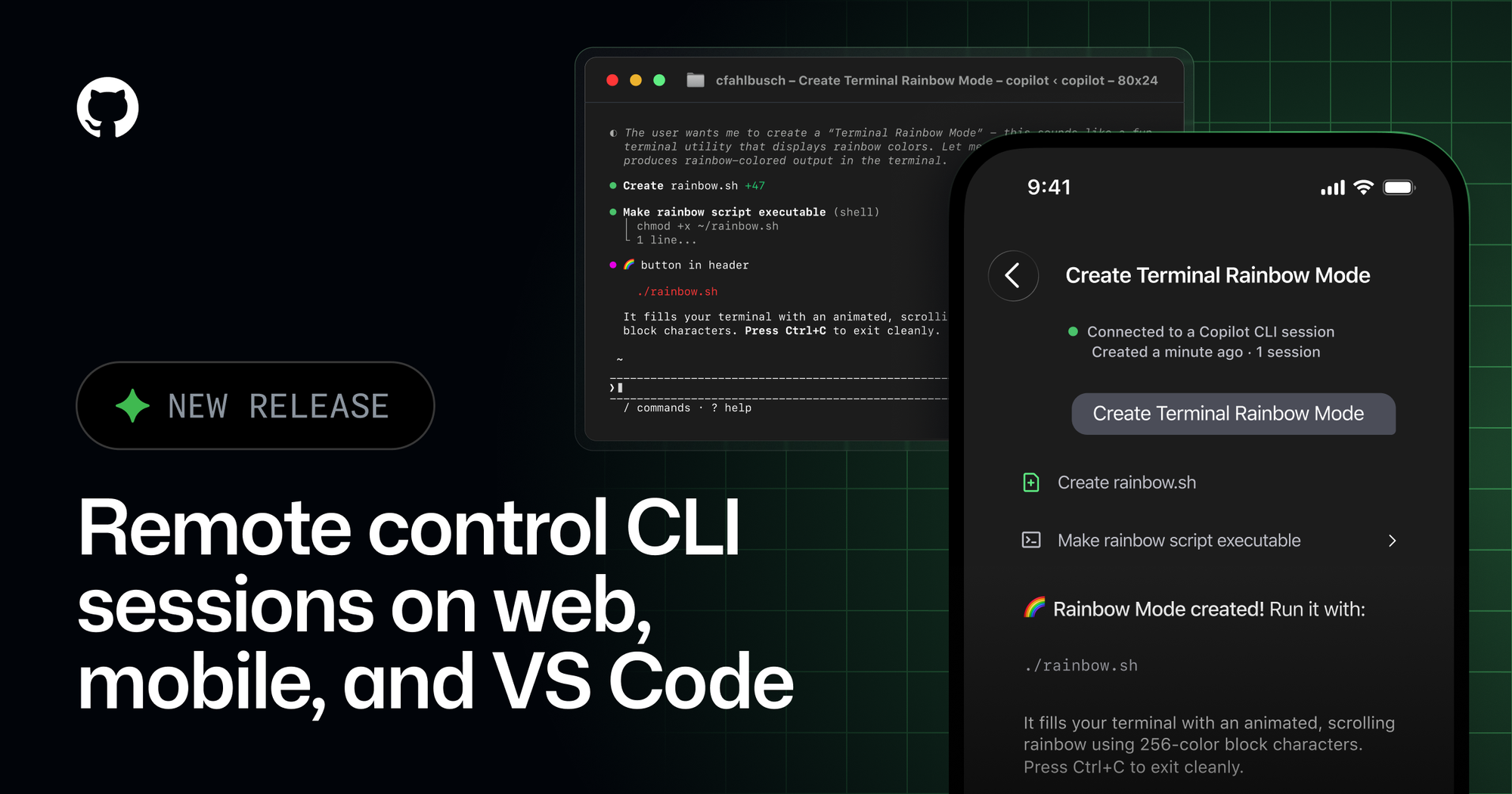
Remote control for a terminal coding agent sounds like product glitter until you have a migration running, a permission prompt waiting, and a laptop you would rather not babysit. GitHub taking Copilot CLI remote control generally available is a signal that long-running agents now need the same thing every real system needs: interruption handling, session continuity, and a sane approval loop when the human is not staring at the original terminal.
GitHub made remote control for Copilot CLI sessions generally available across GitHub Mobile, github.com, and VS Code, while adding support for non-GitHub repositories and directories not associated with a repository. The feature lets a developer start a Copilot CLI session locally, then monitor output, steer mid-session, approve or deny permission prompts, answer questions, review plans, stop work, or queue the next prompt from another device. This is a small UX feature with a bigger architectural message: long-running coding agents need interruption handling, remote approvals, session continuity, and governance because they are no longer just autocomplete with ambition.
Remote approvals make the workstation a host
The specific details are what make this more than another model-dropdown or agent-button story:
- Remote control was in public preview as of April 13, 2026 and became generally available on May 18, 2026.
- GA support includes GitHub Mobile, github.com, VS Code, and JetBrains flows, according to the changelog.
- New in GA: remote control supports non-GitHub repositories and directories not associated with a repository; those appear on `github.com/copilot/agents`.
- When enabled, Copilot streams CLI session activity in real time so the user can view and steer the session away from the machine where it started.
- Remote actions include tracking progress, steering midsession, queuing the next message, reviewing/tweaking plans, stopping a session, approving/denying permission requests, and responding to Copilot questions.
- CLI startup paths include `copilot --remote` or `/remote on` during a session; `/keep-alive` helps prevent the local machine from sleeping during long tasks.
- VS Code requires the `github.copilot.chat.cli.remote.enabled` setting and supports starting/resuming Copilot CLI sessions from Chat, then enabling `/remote on`.
- GitHub docs say remote access is available only to the GitHub account that started the CLI session; the session URL is session-specific and requires authenticated access.
- GitHub docs say session events — messages, tool execution events, and permission requests — are sent from the local machine to GitHub, while remote commands are polled by the CLI and injected into the local session.
- The CLI, shell commands, file operations, and tools still run on the machine where the session started; remote control does not directly grant machine access outside what the local CLI session can do.
Remote control is easy to dismiss as mobile-product glitter. It is not. The whole point of a coding agent is that it runs longer than a chat response. It plans, edits, tests, asks for permission, gets blocked on missing context, and waits for a human to say whether touching a file, URL, command, or tool is okay. If the human has to sit at the terminal for every checkpoint, the agent is still synchronous labor with a fancier prompt. Remote control is GitHub admitting that agent workflows need a real session model.
The security model is more interesting than the demo. GitHub is not moving execution into the cloud here; the CLI continues to run on the local machine. That means the machine’s credentials, filesystem, network, and toolchain remain the blast radius. But the session transcript, tool events, and permission requests are streamed to GitHub so the user can interact from elsewhere. That is a reasonable trade for convenience, but it is still a data-flow change. Teams should treat it like one: what content appears in session events, what secrets might be visible in tool output, what repos are allowed, and whether remote access is permitted for sensitive environments.
The policy default is sensible: org-provided seats require an admin to enable Remote Control. The mistake would be enabling it globally without writing a short operating rule. Remote control is great for low-risk tasks: docs updates, test runs, refactors in isolated worktrees, backlog issues, generated variants. It is riskier for production credentials, incident-response terminals, private customer data, or repos where command output may contain secrets. The feature’s safety depends less on the button and more on the workflow around it.
HN Algolia did not surface a meaningful discussion for the GA announcement, and Reddit search returned unrelated noise. The likely practitioner reaction will be split. Individual developers will see convenience: approve a long-running migration from the phone instead of babysitting a terminal. Platform/security teams will see a new control surface: session telemetry leaving the machine, remote approval prompts, keep-alive behavior, policy defaults, and the need to define when remote steering is allowed.
Convenience is also a control surface
The VS Code integration is also a meaningful product move. Copilot CLI sessions can run outside the editor, survive window closes, and be managed from Chat. Worktree isolation auto-approves tools because the agent is operating on a separate copy; workspace isolation keeps approvals configurable because edits apply to the live workspace. That distinction is the right mental model for agent adoption: isolate where possible, require approvals where the agent is close to live state, and avoid confusing “background” with “safe.”
For builders comparing Codex, Claude Code, Cursor, Copilot CLI, and OpenCode, this raises the bar. A serious coding agent should have session persistence, resumability, remote inspection, permission prompts, cancellation, clear logs, and a way to keep long-running work alive without turning the local machine into a mystery box. Raw model quality still matters, but operational ergonomics now matter too. The best agent is the one you can leave running without leaving your judgment behind.
Actionable checklist: if you enable remote control, start with repo classes, not individual enthusiasm. Allow it for sandboxed/worktree tasks first. Disable or restrict it where terminals can print secrets. Teach developers to use /keep-alive intentionally, not indefinitely. Require worktree isolation for autonomous multi-step tasks when possible. Review what session data is visible on GitHub. For enterprise seats, document the Remote Control policy and revisit it alongside Copilot CLI, MCP, and model-approval settings.
Teams should treat remote control as an operational feature, not a convenience toggle. Decide which seats may use it, which repositories are appropriate, whether session telemetry leaving the machine is acceptable, and how permission prompts should be reviewed from mobile. Test sleep prevention, session recovery, and the difference between worktree isolation and workspace isolation. The local machine still executes the commands, which is good, but the approval loop has moved. Policy needs to move with it.
The broader pattern is consistent across Codex, Copilot, Claude Code, and the rest of the agent stack: the interesting battleground is shifting from raw generation to operability. Can the tool be resumed, audited, priced, sandboxed, steered, and reviewed without turning every engineering team into unpaid QA for a vendor demo? That is the bar. Anything less is autocomplete wearing a hard hat.
Sources: GitHub Changelog — Remote control for Copilot CLI sessions now generally available on mobile, web, and VS Code, GitHub Docs, remote steering docs, VS Code Docs