NVIDIA XR AI Turns AR Glasses Into Agent Clients

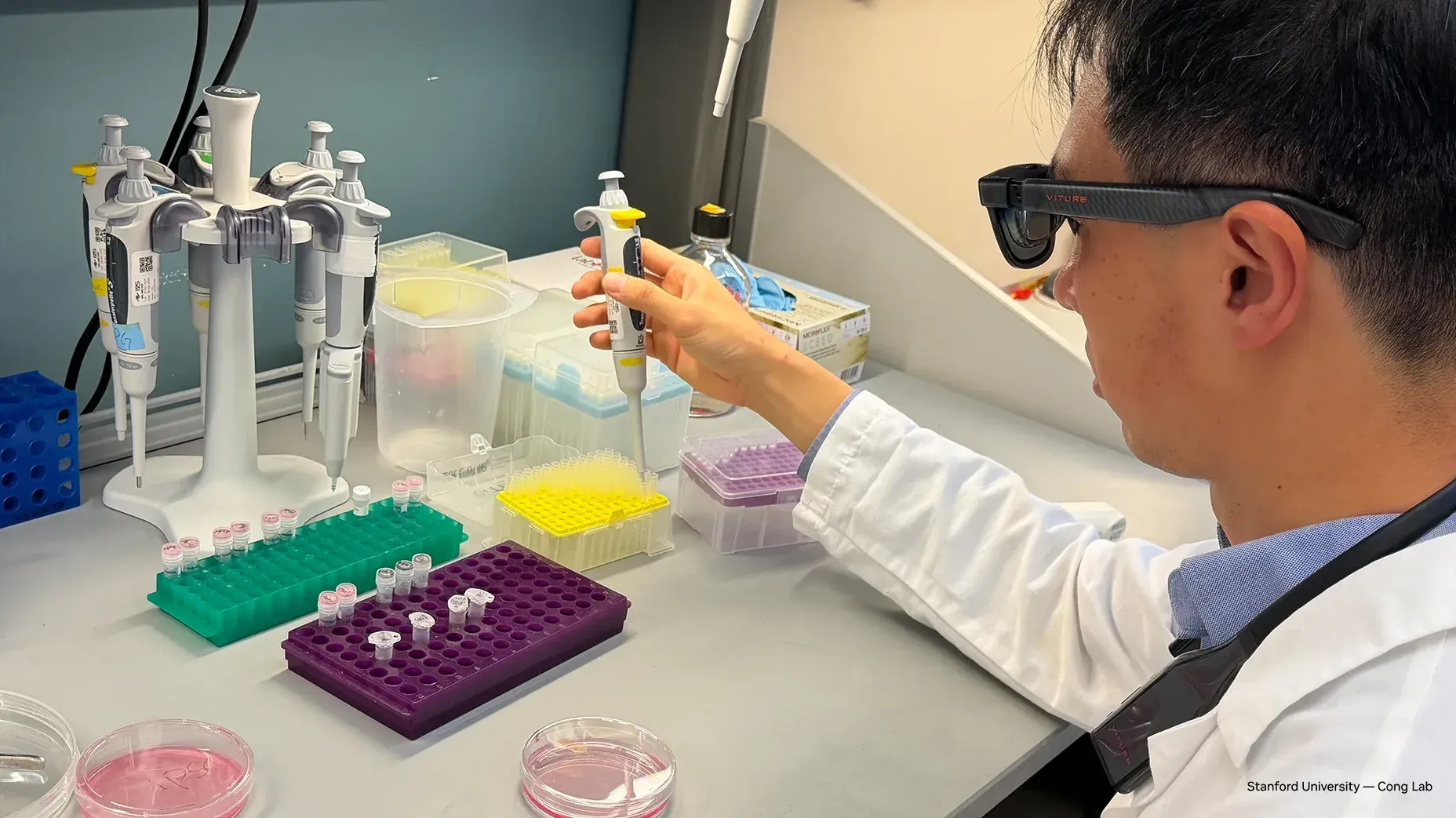
AR glasses do not need to become tiny data centers. They need to become reliable sensory clients for agents that live somewhere more appropriate. That is the smart architectural bet inside NVIDIA XR AI, a new public-beta open-source stack for building agents that can see and hear through AR glasses, AI glasses, and XR headsets, call tools, and respond in the same session.
The obvious demo is a person wearing glasses asking, “What am I looking at?” The useful product is harder: a field technician asking an agent to identify a part, check the maintenance record, pull the procedure, log the inspection, and highlight the next step without forcing a laptop into the workflow. That requires far more than a multimodal model. It requires media routing, identity, speech, visual grounding, tool integration, orchestration, latency control, deployment choices, privacy controls, and enough observability that the thing can be debugged after it confidently says something wrong.
XR AI is interesting because NVIDIA appears to understand that. The stack connects live camera, microphone, and device streams to GPU-accelerated AI services, Cosmos-powered visual reasoning, Nemotron language and tool-calling models, MCP servers, NeMo Agent Toolkit workflows, and optional CloudXR rendering. It targets web, iOS/visionOS, AR glasses, XR headsets, mobile devices, and CloudXR-powered experiences. The GitHub repository is early — created in April, pushed on June 16, and showing only a dozen stars at the research snapshot — but early infrastructure is exactly when the architecture matters most.
Glasses as clients, GPUs as the working memory
NVIDIA’s default model-server stack is a useful tell. It includes nvidia/parakeet-tdt-0.6b-v3 for speech-to-text, nvidia/Cosmos-Reason1-7B for vision-language reasoning, nvidia/Llama-3.1-Nemotron-Nano-8B-v1 for fast language responses, and NVIDIA-Nemotron-3-Nano-30B-A3B for deeper tool-calling workflows. XR AI exposes these as logical services — llm, agent_llm, vlm, stt, and tts — so developers can swap endpoints, use hosted models, or point to OpenAI-compatible APIs.
That modularity is not an implementation detail. It is the difference between a demo and a platform. Teams will disagree about the best VLM, the best speech model, the best latency/quality tradeoff, and where inference should run. A hospital, factory, university lab, and consumer prototype will not share the same privacy or infrastructure assumptions. XR AI’s separation of transport, model services, tools, orchestration, and client delivery gives builders room to replace the fragile pieces instead of rewriting the whole stack when one model underperforms.
The hardware guidance is also refreshingly unromantic. Running all four model servers locally needs roughly 70 GB of VRAM. A standalone simple VLM example needs roughly 23 GB of VRAM. Hub-only needs no GPU. NVIDIA points to RTX PRO 6000 Blackwell or DGX Spark for local full-stack demos, while remote or cloud NIM endpoints can avoid local GPU requirements. Translation: serious XR agents are not running entirely on the glasses. The glasses are the sensor and interaction surface. The agent backend is edge, workstation, private cloud, or public cloud infrastructure.
That is the correct default. Wearable devices are constrained by battery, thermals, weight, cameras, microphones, radios, and human tolerance for awkward hardware. Asking them to host frontier multimodal agents is how product teams end up with a headset that feels like a space heater with notifications. Offloading heavy perception and reasoning to GPU infrastructure is not a compromise; it is the architecture that makes the experience plausible.
MCP turns visual context into actions — and risk
The included MCP servers are where XR AI becomes more than a talking camera. NVIDIA lists vlm-mcp, video-mcp, render-mcp, oxr-mcp, vec-mcp, and transcript-mcp. MCP is a reasonable integration boundary for enterprise tools: procedures, asset databases, ticketing systems, digital twins, inventory, lab protocols, or support workflows. It lets the agent move from “I see a pump” to “I can retrieve the pump’s maintenance history and start a guided inspection.”
That is also where the safety model changes. A hallucinated answer in a browser chatbot is annoying. A hallucinated instruction during equipment maintenance can be dangerous. An agent with visual context and enterprise tools needs explicit permissions, audit logs, confirmation steps for irreversible actions, and tight boundaries around what it can read or write. XR agents should inherit the same security lessons now emerging around coding agents and agent skills: tools are capabilities, not conveniences. Every tool should have a blast radius.
NVIDIA’s participant-identity routing is a small but important design choice. Multiple clients and multiple agents can share streams while responses route to the correct participant. Anyone who has built real-time collaborative systems knows this is where prototypes get weird fast. Identity, session ownership, stream permissions, and tool authorization cannot be bolted on after the first pilot if the target environment includes workers, patients, factories, labs, or regulated data.
The media-routing detail is equally important. NVIDIA says visual pixels can remain in shared memory while lightweight metadata moves through the system, reducing unnecessary inference and data movement. This is the kind of boring optimization that decides whether an XR agent feels instant or molasses-adjacent. Sending every frame to every model is a tax. Sampling, caching, metadata routing, and model selection are not “performance polish.” They are product viability.
Start with the workflow, not the spatial UI
The temptation with XR is to start with rendered overlays because they look good in clips. Builders should resist that. The first experiment should be sensor-first. Connect a web or headset client, stream camera and mic, run the simple VLM agent, and test whether the system can reliably identify task-relevant state under real lighting, noise, camera angles, occlusion, and network conditions. If perception fails, spatial UI is just a prettier bug report.
Then add one read-only enterprise tool through MCP. Make the agent retrieve a manual, asset record, or procedure based on visual and spoken context. Measure latency, accuracy, tool-call correctness, and whether the agent can say “I don’t know” when the image is ambiguous. Only after that should teams add write actions, and those should sit behind human confirmation. Updating a ticket is one thing. Changing a machine setting, ordering a part, or marking a compliance step complete is another.
Latency deserves its own acceptance test. Users wearing glasses will not tolerate dead air while standing in front of a machine. A productive XR agent likely needs a two-speed pattern: a smaller model gives fast acknowledgment and lightweight guidance, while a larger model performs deeper reasoning or tool orchestration. NVIDIA’s default split between fast language responses and deeper tool-calling workflows points in that direction. The system should feel conversational even when the heavy model is still working.
The broader strategic read is that physical AI is spreading beyond robots. NVIDIA’s Cosmos and world-action-model story is about machines acting in the world. XR AI is about humans acting in the world with agent assistance. Many ingredients overlap — visual grounding, multimodal models, tool use, simulation or rendering, GPU infrastructure — but the human-in-the-loop safety model makes XR agents a more practical near-term deployment for many organizations. You do not need a robot to automate the entire job if an agent can help a skilled worker avoid mistakes, remember context, and complete the workflow faster.
XR AI is not mature yet, and the public repository is too new to treat as ecosystem proof. But the direction is LGTM: do not pretend glasses are magic; make them low-friction sensory clients for a governed agent backend. The winners in AR agents will not be the teams with the flashiest headset demo. They will be the teams that get media transport, latency, identity, tools, permissions, and deployment boring enough to trust.
Sources: NVIDIA Developer Blog, NVIDIA XR AI GitHub repository, XR AI documentation, NVIDIA CloudXR SDK, NVIDIA NeMo Agent Toolkit docs