Google’s Android Agent Security Post Is the Important One: Prompt Injection Just Reached Your Phone

The most important Android AI post Google published today was not the one with the flashy demos. It was the security post that quietly admitted the real issue: prompt injection has left the chatbot window and reached the user’s phone.
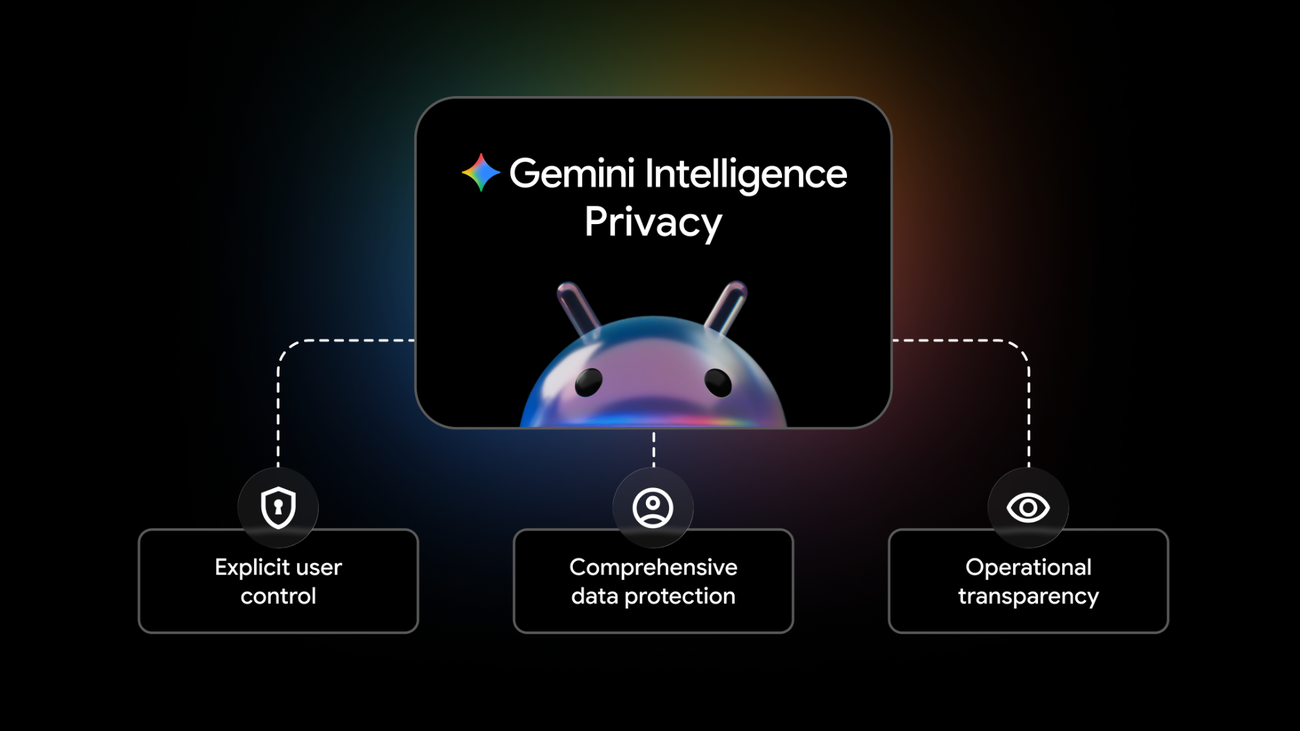
Google’s security and privacy model for Gemini Intelligence on Android is built around three principles: explicit user control, comprehensive data protection, and operational transparency. That sounds like standard platform-language until you map it to the new capability. Gemini is not just answering questions. It can automate app UI, use connected context for Autofill, browse on Android, assist with proactive features, and take steps toward user goals across surfaces. Once an assistant can act, security stops being about whether the model says something weird. It becomes about what the model is allowed to do when something weird tries to steer it.
Dave Kleidermacher, Google’s VP of Platforms Security and Privacy, names prompt injection directly as an emerging threat for agents that take action on a user’s behalf. That line deserves more attention than another demo of an assistant filling a cart.
Gullibility plus authority is the bug
The coding-agent world has already learned this lesson the expensive way. Prompt injection is rarely dangerous because a model can be tricked into producing text. It is dangerous because the model has authority: shell access, repo write access, browser sessions, MCP tools, credentials, CI workflows, secrets, issue trackers, deployment scripts, and memory. Untrusted input becomes an instruction source, and the agent has the tools to turn that instruction into damage.
Android has a different set of tools, but the same bug class. A phone contains location, photos, messages, contacts, calendar, work profiles, personal accounts, payments, passkeys, delivery apps, rideshare apps, subscriptions, health context, and authenticated sessions. If Gemini can operate apps or fill forms on behalf of the user, then malicious content inside a webpage, email, note, image, chat, or app surface can try to manipulate the assistant. The threat model is not science fiction. It is the same agent-authority problem, moved from the developer workstation to the most intimate computer most people own.
Google’s proposed controls are the right ingredients. Gemini starts automating only when the user asks. It can access only apps the user allows it to work in. Purchases are designed to require user confirmation. Users can enable or disable AI features and specific components. Later this year, Android settings will add controls for app automation in specific apps. When Gemini automates an app UI, users can select “View progress” to watch the actions in real time. If they navigate away, a non-dismissible notification chip remains visible while the automation runs. Android Privacy Dashboard will soon show which AI assistants were active and which apps they used in the last 24 hours.
That last cluster is especially important. Visibility is not decorative. An agent acting invisibly is indistinguishable from a bug, a compromised app, or dark magic with a product manager. The user needs to know when automation is running, what app it is touching, and what it did after the fact. The progress view and notification chip are runtime disclosure. The Privacy Dashboard history is auditability. Both belong in the core security model, not in a privacy settings graveyard three taps too deep.
Private compute helps, but policy boundaries still fail
Google also points to a serious data-protection stack: Private Compute Core, Private AI Compute, protected KVM, open-source Private Compute Services, Android binary transparency, and a third-party-audited Private AI Compute technical brief. This is not just privacy confetti. Google has spent years building Android mechanisms that process sensitive ambient data under stronger isolation guarantees, and Gemini Intelligence clearly depends on that work.
But agent failures are often not raw storage failures. They are policy-boundary failures. The assistant used the wrong context. It trusted the wrong instruction. It acted in the wrong app. It filled a field with work data in a personal context. It followed an instruction embedded in a webpage. It failed to stop before a consequential action. Cryptography and trusted execution help protect data in transit and compute. They do not automatically answer the application-level question: should this assistant be doing this thing right now?
That is why app allowlists and confirmation gates matter. Confirmation should not be a vague “Continue?” modal. It should say what will happen, with whom, for how much, using which account, and with what consequence. This is where third-party developers have work to do. If your app’s confirmation screens are unclear for humans, they will be worse for assistants. If your checkout hides totals or cancellation terms until late in the flow, an agent will eventually make that bad design more visible. If your app relies on visually confusing layouts to nudge behavior, a system assistant may become an accidental dark-pattern accelerator.
Build confirmation screens that are agent-resistant and human-respecting. Separate draft/prep actions from irreversible actions. Make recipients, dates, prices, addresses, account names, and permissions explicit. Provide stable semantic labels. Avoid making destructive actions visually adjacent to harmless ones. Give users a final review state that can be understood without reconstructing the last six screens from memory.
Enterprise Android needs harder answers
The consumer controls are a start, but managed devices will need more. If Gemini Intelligence enters work profiles, regulated apps, healthcare workflows, finance apps, or field-service devices, administrators will ask obvious questions. Can app automation be disabled by policy? Can work-profile apps opt out? Can organizations restrict which assistants can touch which apps? Are AI-assistant activity logs exportable to enterprise monitoring tools? Can DLP systems see what context is sent to cloud-backed compute? How are Personal Intelligence and Autofill isolated across personal and work profiles?
Google’s post points in the right direction without closing every loop. That is acceptable on launch day, but not enough for production enterprise adoption. The moment an assistant can operate across apps, mobile-device management has to evolve from “which apps are installed?” toward “which agents can act, where, using whose identity, under which confirmation policy, with what log trail?” That is a much more interesting control plane than another setting toggle.
There is also a developer-relations challenge. Google says Android can become an open platform for third-party developers and device manufacturers to build trusted agentic experiences. Good. Then the platform needs test guidance, security checklists, UI recommendations, failure-mode docs, and APIs that make safe cooperation easier than unsafe scraping. Developers should not have to reverse-engineer the assistant’s expectations from demos.
The broader lesson is simple: prompt injection is now a platform problem. In coding agents, the security checklist includes shell approvals, MCP trust, repo instructions, env isolation, memory review, and audit logs. On Android, the checklist becomes app allowlists, visible automation, explicit confirmations, context separation, Privacy Dashboard history, work-profile policy, and prompt-injection testing against untrusted content. Different tools, same principle: reduce authority before the model fails, because eventually the model will fail.
LGTM on Google naming the threat and putting runtime visibility into the product. Request changes if this becomes privacy theater instead of enforceable platform policy. The phone is too sensitive a runtime for “trust me, the model usually behaves.”
Sources: Google Security Blog, Google Android, Google Chrome, Google Security Blog, Private Compute Services