The Android Show Is Google Giving Android Its Own Runway Before Gemini Eats the Keynote

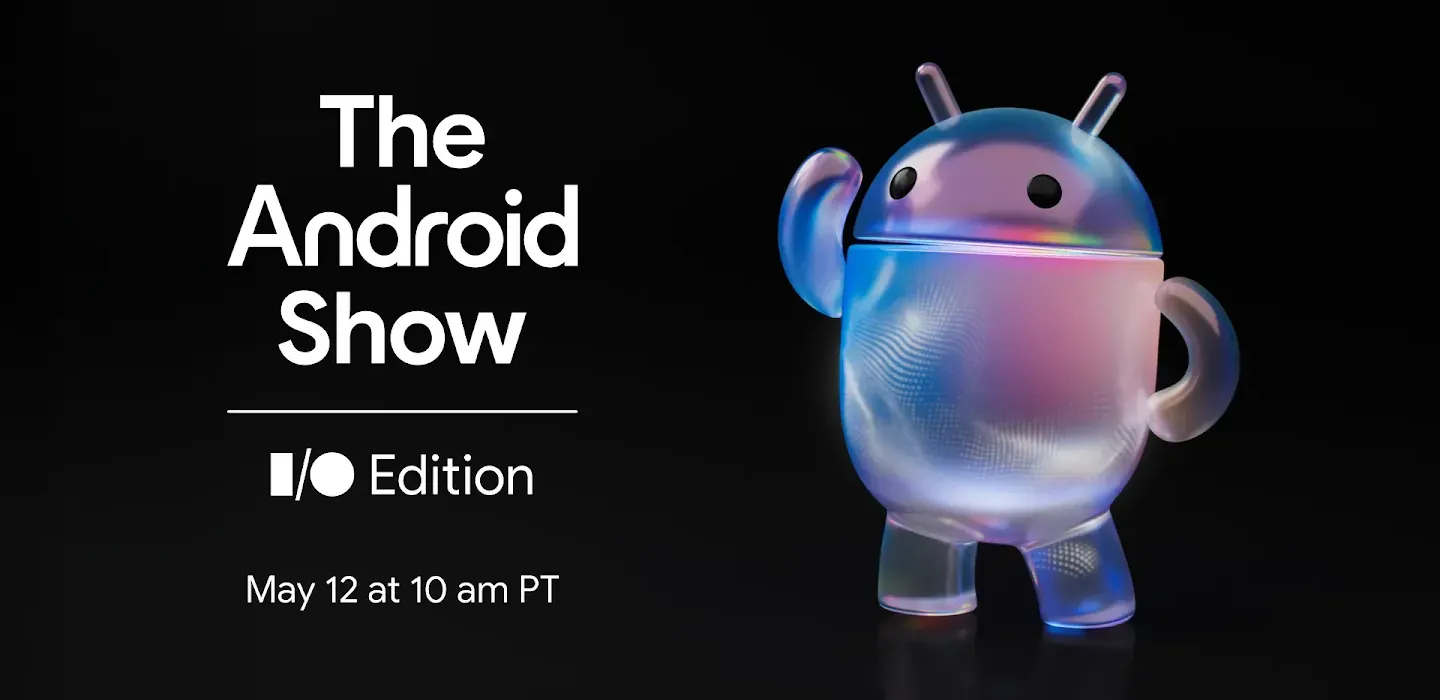
The Android Show is Google admitting it has a keynote bandwidth problem. Android is too large to be the warm-up act, but Gemini is now too central to share the stage quietly. So Google is giving Android its own pre-I/O runway on May 12 before the main Google I/O 2026 keynote turns into the broader map of AI, Chrome, Gemini, XR, developer tooling, and whatever platform story the company wants builders to remember.
CNET reports that The Android Show: I/O Edition returns as a virtual showcase one week before Google I/O, with Google promising to explain why this is “one of the biggest years for Android yet.” That phrase is doing real work. Android is where Google’s AI ambitions stop being demos and start colliding with daily life: phones, watches, tablets, cars, TVs, foldables, glasses, work profiles, payments, notifications, location, and the strange pocket supercomputer state machine that normal people call “my phone.”
Android gets oxygen before Gemini takes the room
The timing is clean. The Android Show streams Tuesday, May 12, through Google’s Android event page and YouTube. Google I/O 2026 runs May 19-20 at Shoreline Amphitheatre in Mountain View and online, with the main keynote scheduled for May 19 at 10 a.m. PT and a developer keynote later that day. CNET notes that Google has already framed I/O around AI breakthroughs and updates across major product lines, including Android and Gemini.
Google has not published the full Android Show agenda ahead of time, but last year’s I/O Edition is the useful precedent. Google used that stage for Android 16, Wear OS 6, a major Android design refresh, expanded Gemini features across devices, and safety tools aimed at scams and other threats. That is not a teaser reel. That is platform setup. If 2026 follows the same pattern, the Android Show will define the device and OS substrate before I/O explains how Gemini sits across the rest of Google’s product universe.
The distinction matters because Android AI is where abstraction meets constraints. A Gemini demo on a conference stage can be perfect. A Gemini feature on a phone has to survive bad networks, battery pressure, permissions, enterprise policies, accessibility settings, regional availability, app-specific weirdness, and users who do not care that the model architecture is elegant. The Android Show is where builders should look for the unglamorous details: what runs on-device, what calls the cloud, what requires new hardware, what gets enterprise controls, what exposes developer APIs, and what remains a first-party app feature with platform-colored paint.
The real issue is ambient authority
The biggest Android AI question is not whether the next version is called Android 17 or whether Gemini gets a shinier animation. It is authority. Phones already hold identity, messages, contacts, photos, biometrics, payments, passkeys, work data, home controls, vehicle connections, and app sessions. Putting Gemini deeper into Android creates obvious utility if it can help users act across those surfaces. It also makes vague permission design more expensive.
“Let the assistant help” is not a control model. Help can mean reading a notification, summarizing a meeting, drafting a message, comparing a product page, interpreting camera input, booking a ride, filling a form, or initiating a payment. Those are different verbs with different risk profiles. If Google wants Gemini to become a system layer on Android rather than another app, it needs permission boundaries that users can understand and developers can build against.
That is why engineers should watch for verbs, not adjectives. Does Google describe clear read/write boundaries? Does it distinguish drafts from actions? Are tool calls visible? Can enterprises restrict features by work profile, app category, geography, or data type? Is there an on-device path for private context? Are developers given APIs that preserve user intent, or are they left reverse-engineering assistant behavior from screenshots and vibes?
The worst version of Android AI is invisible mediation: users ask an assistant to “handle it,” developers cannot predict what path the assistant takes, and product teams paper over ambiguity with confirmation dialogs that nobody reads. The best version is a coherent OS layer with explicit state, clear handoffs, and boringly understandable consent. Boring is underrated. Boring is what lets people trust software with their real lives.
XR makes the permission problem physical
Android XR is likely to hover around this cycle even if Google saves the biggest details for I/O. CNET’s broader I/O preview and other pre-event coverage have pointed to smart glasses, Android XR, and Gemini Live as part of the expected product bundle. The reason XR matters is not that developers need another screen size to support. It is that glasses turn AI assistance into a sensor and context problem.
Camera, audio, location, translation, object recognition, navigation, and live conversation create a very different interface from tap, type, scroll. That can be genuinely useful for travel, accessibility, education, field service, retail, support, and hands-busy work. It can also create permission failures that feel much more personal than a bad chatbot answer. When the interface is glance and voice, the product must be precise about what is being seen, heard, remembered, shared, and acted on.
Developers should start thinking about how their products behave when the primary client is not a user staring at a rectangular app screen. Are important actions exposed through platform-standard intents? Are accessibility labels accurate? Can a user confirm a destructive step without hunting through custom UI chrome? Does the app make state legible to the OS, or is everything hidden inside visual widgets and proprietary flows? AI-mediated interfaces reward clean semantics. They punish clever UI that only works when a human manually interprets the pixels.
What builders should do before the keynote hype arrives
The practical work does not need to wait for Google’s final slides. If Android becomes a default AI surface, app teams should treat assistant-mediated use as a serious client path. Make app state explicit. Use platform-standard share sheets, intents, permissions, and accessibility primitives. Separate reversible preparation from irreversible action. Put meaningful labels on buttons and form fields. Avoid hiding critical terms in images. Build confirmation screens that work for a human tapping, a voice assistant narrating, and a system-level agent handing off state.
Teams should also map their own authority boundaries. Which user tasks can be summarized safely? Which can be drafted but not sent? Which require biometric confirmation? Which should never be initiated by an assistant? Which data can leave the device? Which data belongs inside a work profile only? Those questions sound like policy until the platform gives users an agent that can move across apps. Then they become product requirements.
For AI builders, the Android Show and I/O should be read together. The Android Show is likely to provide the device substrate: OS features, device categories, safety systems, UI changes, and maybe Android XR clues. The main I/O keynote and developer keynote are likely to provide the Gemini and API story: Live API, AI Studio, Deep Research, MCP, Chrome, Workspace, Vertex, and whatever agent plumbing Google wants developers to adopt. Serious teams should connect the dots instead of writing separate notes for separate livestreams.
The risk is that “AI across Android” becomes more invisible complexity for users and more unpredictable mediation for developers. The opportunity is that Android becomes the place where agentic AI stops being a separate destination and becomes a coherent system layer. Google has the distribution. It still has to earn the trust.
So yes, watch The Android Show for Android 17, Wear OS, XR, and Gemini breadcrumbs. But the useful question is narrower and harder: is Google giving developers a platform they can reason about, or just giving consumers another assistant that sometimes knows too much and explains too little?
Sources: CNET, The Android Show on YouTube, Android Show I/O Edition, Google I/O 2026