Codex Sites Turns the Coding Agent Into a Deployment Surface

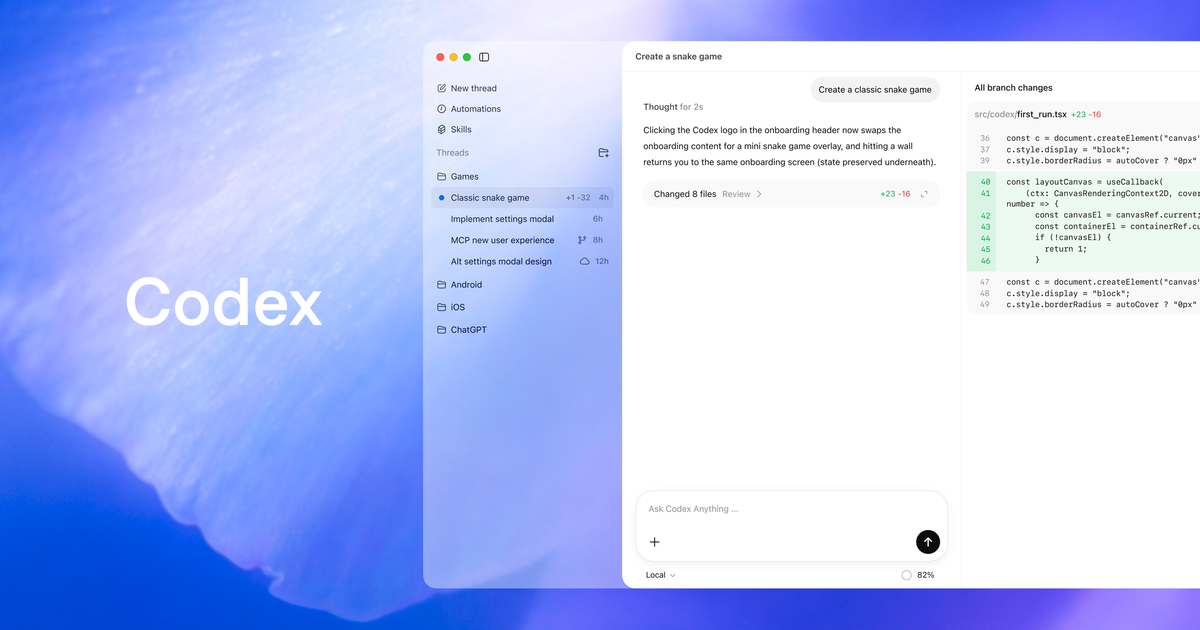
OpenAI’s new Sites preview is easy to misread as a convenience feature: ask Codex for a dashboard, get a URL, move on with your life. That framing is too small. Sites is the moment Codex stops being only a coding assistant and starts becoming a deployment surface — the place where generated software can become hosted software with users, storage, secrets, access controls, and production consequences.
According to the Codex changelog, Sites became available in preview on June 2, 2026 inside the Codex app. OpenAI describes it as a way for Codex to “create, save, deploy, and inspect websites, dashboards, internal tools, web apps, and games hosted by OpenAI.” ChatGPT Business workspaces get Sites by default; ChatGPT Enterprise admins can enable it through role-based access control. That last clause matters. OpenAI is not positioning this as a consumer toy. It is aimed straight at workspaces where a generated internal tool can touch real workflows.
The docs are unusually explicit about the risk boundary: “Every Sites deployment URL is a production deployment.” That is the sentence teams should print on the wall before their first pilot. If you want review before something goes live, OpenAI says to ask Codex to save a version without deploying it. Sites publishing has two stages: saving a version builds a deployable candidate associated with the source Git commit, while deploying a version publishes that saved version and returns a production URL.
The deploy button changes the threat model
Coding agents already blurred lines by editing files, running tests, operating browsers, and opening pull requests. Sites crosses a different boundary: external availability. A local branch can be messy. A generated patch can be rejected. A PR can sit behind review. A hosted URL, even an internal one, is software in the world. People can use it, store data in it, make decisions from it, and forget who owns it.
That is why the save/deploy split is the most important design choice here. OpenAI could have optimized for demo magic: prompt, build, publish. Instead, the docs give teams a release candidate stage. Use it. Treat a saved Sites version like any other release artifact: inspect the source changes, confirm the build, review the deployment target, check the access mode, verify data storage, and only then publish. “The agent made it” is not a release process. It is a provenance note.
Sites stores project linkage and optional storage binding names in .openai/hosting.json. The docs show support for Cloudflare Worker-compatible ES module output and durable storage choices including D1 for relational data and R2 for uploaded files. There are also patterns for workspace-authenticated identity, public or external auth, and searchable metadata using D1 plus R2. In plain English: this is not just static pages. Codex can now help produce small applications with persistent state.
That is where the feature becomes useful and dangerous in the same breath. Internal tools are the graveyard of ownership. Someone builds a request tracker, incident dashboard, onboarding helper, or scorecard. It works well enough. Teams start relying on it. Six months later nobody remembers who owns the data model, which secret powers the integration, or whether the access list still matches reality. Sites removes the friction that used to slow those apps down. It does not remove the operational burden that starts the minute people depend on them.
Storage is a product decision, not an implementation detail
The Sites docs tell users to request durable storage only for product data that people expect the hosted site to remember, not temporary presentation state like theme choices or dismissed banners. That advice is better than it looks. For agent-built apps, storage should be a review gate. Before deployment, the agent should explain what it persists, where it persists it, who can read it, how long it should live, and what deletion or export story exists.
Engineers should make that explicit in prompts and checklists. If Codex builds a project request dashboard, ask it to state the schema, the auth boundary, the owner field, the audit trail, and the failure mode when storage is unavailable. If it builds a game with player scores and avatar uploads, ask where uploads land, what file types are accepted, and what prevents the bucket from becoming a junk drawer. If it builds a business dashboard, ask which source systems it reads from and whether it caches sensitive fields. The difference between “cool demo” and “safe internal app” is usually hidden in these boring questions.
Secrets handling is another place where OpenAI made the right warning visible. Hosted environment variables and secrets are managed in the Sites panel, not committed into .openai/hosting.json. The docs tell users not to commit secret values and to keep local .env and .env.example aligned with the keys needed for development. That sounds basic because it is basic. It is also exactly the kind of basic failure an overeager agent can introduce if the user asks for a fast deployment and never reviews the diff.
Access controls deserve the same discipline. Sites supports owner/admin-only access, whole-workspace access, and custom users or groups. Start narrow. Keep early deployments limited to the owner and admins until the app has been reviewed. Workspace-wide access should be a deliberate widening step, not the default ending to a successful prompt. If the site touches customer data, financial data, HR data, production operations, or security settings, the answer should probably be “save a version for review,” not “deploy it.”
Codex is becoming a workplace automation platform
OpenAI’s broader announcement makes the direction hard to miss. The company says more than 5 million people use Codex weekly, and that non-developers are about 20% of overall Codex users while growing more than 3x as fast as developers. It also introduced six role-specific plugins spanning 62 popular apps and 110 skills. Sites belongs in that larger move: Codex is being pulled from the IDE into the workspace, where analysts, operators, marketers, designers, and researchers can ask for working artifacts instead of tickets.
That is good product strategy. It is also a governance problem arriving early. If non-developers can create internal apps backed by storage, auth, and hosted secrets, engineering’s role shifts from “we build every tool” to “we define the paved road and review the dangerous bits.” The winning teams will not ban this. They will constrain it: approved templates, naming conventions, storage policies, access defaults, ownership metadata, logging expectations, and human approval before production deployment.
The practical playbook is straightforward. Pilot Sites with low-risk internal tools first. Require Codex to save before deploy. Add a deployment checklist that covers source diff, build output, storage bindings, access mode, secrets, owner, rollback plan, and data classification. Keep .openai/hosting.json under review like infrastructure configuration. Require workspace-authenticated identity for internal apps unless there is a documented reason not to. For anything user-facing or regulated, keep Sites in prototype mode until your release process knows what to do with it.
Sites is promising because it removes the dead space between “the agent built something useful” and “someone can actually use it.” That is exactly why it needs release engineering discipline. A production URL is not less production because it came from a chat thread. It is just easier to create, which means teams need to get more serious, not less.
Sources: OpenAI Codex changelog, OpenAI Codex Sites docs, OpenAI Codex for every role, tool, and workflow