Copilot CLI’s Rubber Duck and Scheduled Prompts Make Terminal Agents More Reviewable

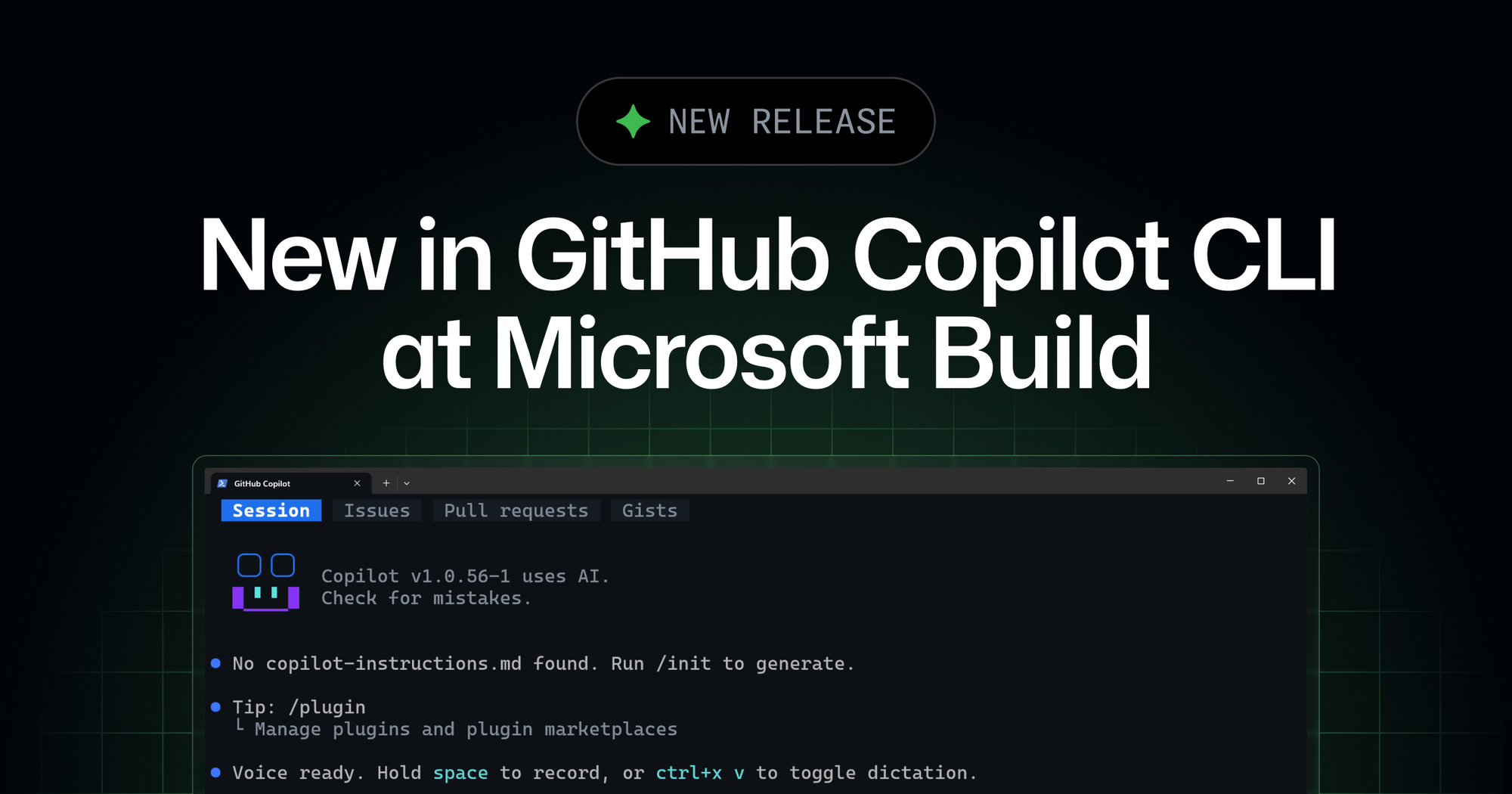
GitHub’s latest Copilot CLI release looks like a grab bag: a better terminal UI, a rubber-duck critic, scheduled prompts, and local voice input. It is more coherent than that. This is GitHub turning the terminal agent from a chat box with shell access into a workbench with critique, cadence, accessibility, and session-local automation. The interesting part is not that Copilot can now hear you. It is that Copilot is starting to build the habits serious agent work needs: review before action, repeated checks during long tasks, and fewer excuses for losing context.
The June 2 changelog says rubber duck, prompt scheduling, and voice input are generally available, while a redesigned terminal interface is available experimentally through /experimental. The new UI adds tabs for the current session, repository issues, pull requests, and personal gists when running inside a GitHub repository. It also brings semantic colors, responsive layouts for narrow terminals, color modes such as default, GitHub, dim, high-contrast, and colorblind, plus screen-reader support that turns on automatically when detected.
Those UI details are not cosmetic if your terminal is now an agent control plane. A coding agent generates plans, diffs, command output, test failures, permission prompts, and status updates. If the interface makes any of that hard to scan, developers either miss the important part or start trusting summaries they should verify. Tabs for issues and PRs are GitHub admitting that the CLI cannot live as an isolated prompt stream. Agent work is anchored in repository work items, and the terminal needs to show that state without forcing constant context switching.
The rubber duck is the feature with teeth
Rubber duck is GitHub’s built-in critic agent for Copilot CLI. The main session agent can hand over its current plan, design, implementation, or tests for review. The rubber duck looks for blind spots, design flaws, bugs, security vulnerabilities, anti-patterns, performance problems, and other substantive issues, then returns actionable feedback. GitHub’s docs say it categorizes findings as blocking issues, non-blocking issues, and suggestions, and it is configured to avoid wasting time on style, formatting, naming, grammar, and minor best-practice nits that do not affect the outcome.
The strongest design choice is model diversity. GitHub says the rubber duck deliberately uses a different AI model from the one driving the session when a suitable critic is available. If the main session uses a Claude model, the critic may use a GPT model; if the user switches models mid-session, the next rubber-duck invocation picks an appropriate critic for the new setup. That is exactly the right instinct. Asking the same model family to grade its own reasoning often produces a confident echo. Cross-model critique is not magic, but it has a better chance of exposing different failure modes.
The duck is also read-only. It can inspect context through standard exploration tools, but it does not edit files or run commands that change the environment. That matters because a critic should not become a second autonomous actor making surprise changes. Its job is to slow the main agent down at high-leverage moments: after planning a non-trivial change, mid-implementation on complex work, after tests are written, or when repeated failures suggest the agent is stuck in a bad loop.
Teams should turn that into policy. Use rubber-duck critique for migrations, auth changes, data model refactors, security-sensitive patches, unclear bug hunts, and test strategies. Skip it for obvious one-line fixes. GitHub notes that the extra reasoning pass adds latency and model usage, so the right rule is not “duck everything.” The right rule is “duck the work where a bad plan is more expensive than a second opinion.” Under usage-based AI economics, critique is another budget line. Spend it where it prevents three failed implementation attempts later.
Scheduled prompts are tiny cron jobs with model access
The new /every and /after commands let users schedule prompts inside the current CLI session. GitHub’s examples are revealing: /every 30m run the frontend tests, /every 1h how many tokens have I used during the past hour, and /after 2h /example-skills:docx create a new file summarizing recent changes to this repo. Run either command without arguments and Copilot opens a schedule manager where active schedules can be viewed and deleted.
This is useful for long-running agent work. A session shepherding a frontend migration can rerun tests every half hour. A release-prep session can summarize changes after a delay. A cost-conscious team can ask the agent to report usage periodically. But the operational shape is obvious: schedules are automation. Even if they are scoped to the current session, they need ownership, stop conditions, and cleanup. A forgotten prompt schedule is a small background worker with model access and whatever tool permissions the session has accumulated.
Practitioners should treat scheduled prompts like temporary development automation. Name them clearly. Use the schedule manager. Delete them at handoff. Avoid scheduling write actions unless the session’s permissions are constrained and the repository state is disposable. If a repeated action matters enough to keep, move it into CI, a real job scheduler, or a reviewed workflow. The terminal session is a good place for experimental cadence; it is a bad place for permanent operational machinery.
Voice is ergonomics; local voice is architecture
Voice input is the flashiest feature and probably the least important technically, but GitHub made one implementation choice worth noting: audio stays on the machine. Users can hold Space to speak, or press Ctrl+X then V to start recording, and the CLI downloads a runtime plus a selected speech-to-text model locally. In coding contexts, that is the correct default. Prompts often include proprietary project names, incident details, customer names, or fragments of code that should not be shipped to a cloud audio service just because a developer wanted dictation.
The workflow effect may still be real. Voice lowers the friction of mid-task steering: “rerun the tests, focus on the auth failure, and do not touch the migration file” is easier to say than type while reading logs. That kind of quick correction is where agents feel less like batch jobs and more like collaborators. The caution is familiar: do not dictate secrets, production credentials, or sensitive customer details. Local transcription reduces one class of exposure; it does not make careless prompts safe.
The adjacent release notes are the boring part that actually earns trust. GitHub’s releases around this Build drop include process-tree termination on Ctrl+C or abort, preservation of MCP timeout configuration after tool-list changes, quoted path handling for /skills add and /skills remove, prevention of repository plugin configuration leaking into global user config, and a security-relevant change where preToolUse hook errors now deny tool calls instead of silently allowing them. That is the substrate a terminal agent needs. The shell is not a sandbox by vibes. Commands spawn children, hooks fail, plugins leak, paths get weird, and MCP tools mutate the available surface area. Agent CLIs become credible when they handle those edges.
The practical takeaway: enable rubber duck for complex or high-blast-radius work, but budget for it. Use scheduled prompts as temporary scaffolding and clean them up before you close the session. Try voice if it keeps you in flow, but keep sensitive data out of spoken prompts. Audit experimental UI and plugin settings before rolling them across a team. And pay attention to hook-denial behavior, MCP timeouts, and process cleanup, because those are the details that decide whether a coding agent is a useful workbench or a haunted terminal with better marketing.
GitHub is not replacing the CLI with the Copilot app. It is folding the CLI into the same agent runtime story: sessions, critique, schedules, remote JSON-RPC, work-item context, and eventually a desktop view over the same work. That direction is right. Agentic coding will not be won by the tool that types fastest. It will be won by the tool that makes bad plans easier to catch, long tasks easier to supervise, and automation easier to shut off when the work is done.
Sources: GitHub Changelog, GitHub Docs on the rubber duck agent, GitHub Copilot CLI releases